

best antivirus software: Top Choices for 2026
September 13, 2026
Modern antivirus software has moved far beyond searching a computer for known viruses. The strongest security tools now watch application behavior, inspect suspicious…
Read More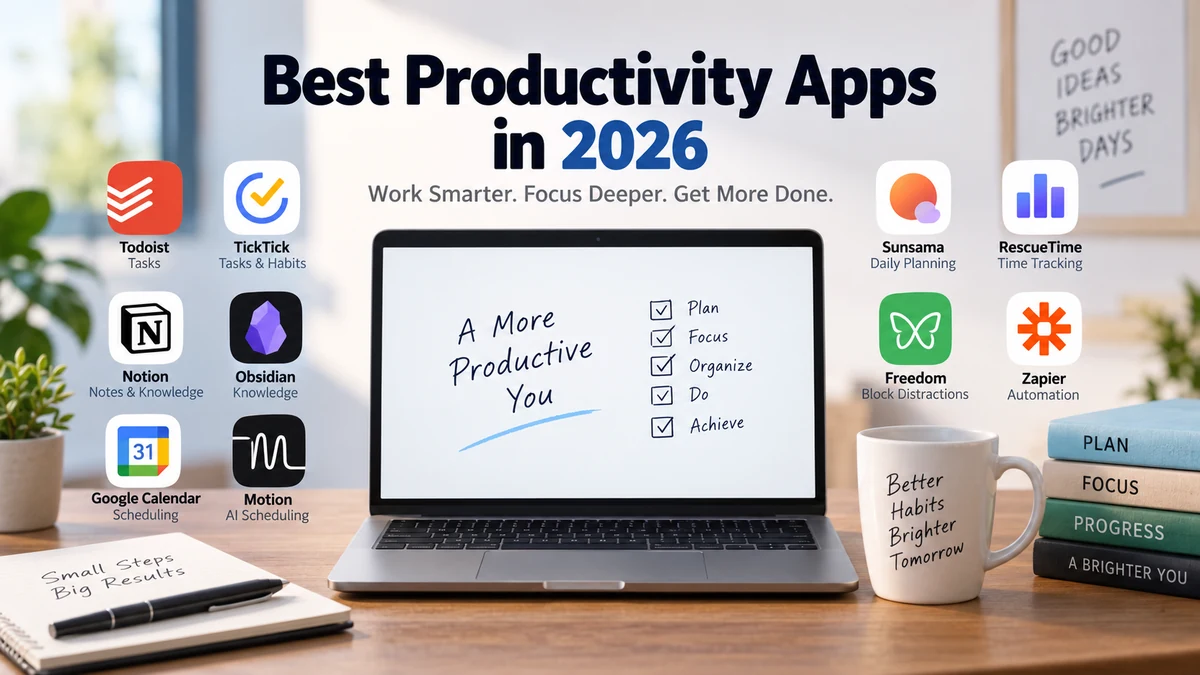
best productivity apps: 15 Top Tools for 2026
September 13, 2026
Productivity apps are supposed to save time. Yet choosing, configuring, and constantly switching between them can easily become another form of procrastination. The…
Read More
How to Install Software Safely on Windows
August 13, 2026
You found the program you need, you’re one click from installing it — and that’s exactly the moment most infections happen. Knowing how…
Read More
Software Won’t Save Files? Here’s How to Actually Fix It
August 12, 2026
You hit save. Nothing happens. Or worse — you get an error, the app freezes for a second, and your last twenty minutes…
Read More
How to Download Software Safely on Windows
August 11, 2026
You click a download link, the file lands in your Downloads folder, and for half a second you just… stare at it. Is…
Read More
Corrupted Installation File Fix: The Complete Windows Troubleshooting Guide
August 10, 2026
You’re halfway through installing Windows, the progress bar is crawling toward 100%, and then it stops cold: “Setup cannot continue due to a…
Read More
How to Run Two Versions of Software on Windows (7 Working Methods)
August 9, 2026
You’ve got a work project that needs the old version of an app, and a personal project that needs the new one —…
Read More
Software Not Detecting Hardware? Here’s How to Actually Fix It
August 8, 2026
You plug something in — a drive, a printer, a network card — and nothing happens. No sound, no popup, no new entry…
Read More
High CPU Usage Program Fix: How to Find the Culprit and Stop It
August 7, 2026
Your fan is roaring, the mouse cursor is stuttering, and Task Manager shows 100% CPU with nothing you actually opened. If you’re looking…
Read More
How to Roll Back a Software Update on Windows (Every Method, 2026)
August 6, 2026
An update finishes installing, your PC restarts, and something’s suddenly wrong — printing breaks, a driver stops responding, or the whole system feels…
Read MoreLatest Articles