

best antivirus software: Top Choices for 2026
September 13, 2026
Modern antivirus software has moved far beyond searching a computer for known viruses. The strongest security tools now watch application behavior, inspect suspicious…
Read More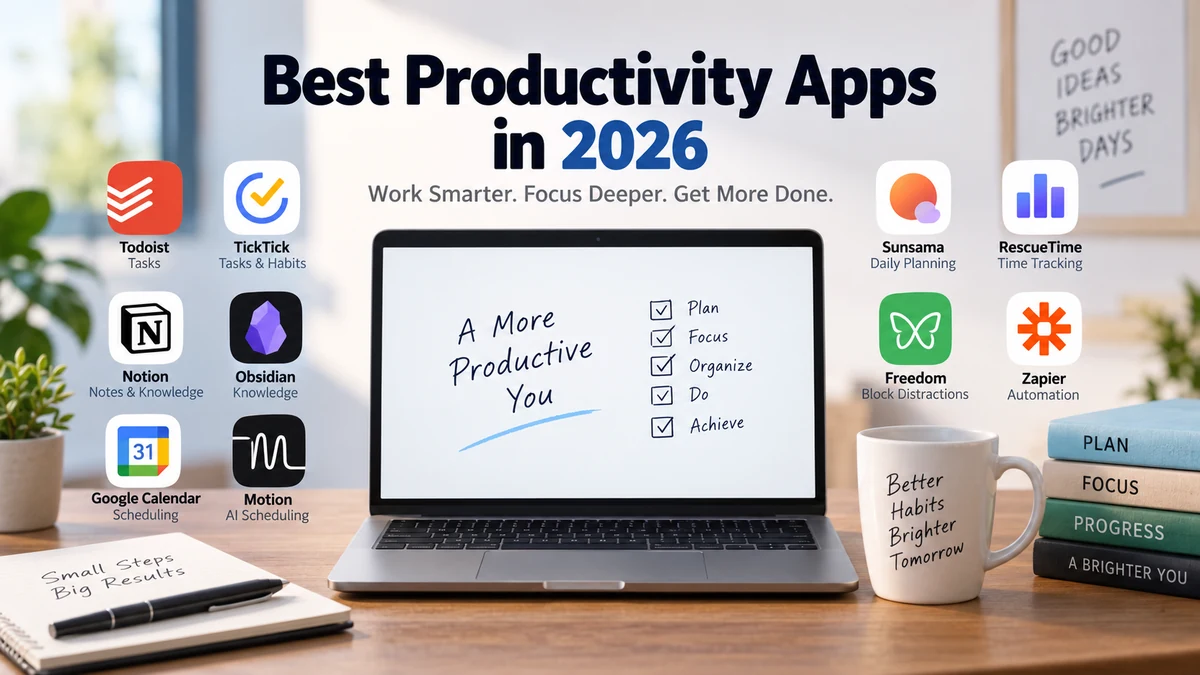
best productivity apps: 15 Top Tools for 2026
September 13, 2026
Productivity apps are supposed to save time. Yet choosing, configuring, and constantly switching between them can easily become another form of procrastination. The…
Read More
Force Quit a Frozen App Mac: 5 Ways That Actually Work
August 24, 2026
You click. Nothing happens. You click again, harder, as if that ever works. The cursor turns into a spinning, rainbow-colored beach ball, and…
Read More
Uninstall App Completely Mac: Remove Every Leftover File
August 23, 2026
You dragged the app to the Trash. You emptied it. Your Mac’s storage barely moved. If that sounds familiar, you’re not imagining things…
Read More
Software Update Error Mac: Causes & Step-by-Step Fixes
August 22, 2026
Your Mac freezes at 40%. Or it tells you the update “failed” with zero useful explanation. Either way, you’re stuck — and rebooting…
Read More
Allow Apps From Unidentified Developers Mac (2026 Guide)
August 21, 2026
You download an app, double-click it, and instead of opening, your Mac throws up a wall: “can’t be opened because it is from…
Read More
Permission Denied Installing Software Mac? Here’s the Fix
August 20, 2026
Permission denied installing software on Mac is one of the most common install errors people run into, and it rarely comes with an…
Read More
App Won’t Save Files Mac: Fix Permission & Save Errors
August 19, 2026
You hit Command+S, the beachball spins for a second, and nothing happens. Or worse — you get a blunt little dialog box telling…
Read More
Free Up Space Old Software Mac (2026 Guide)
August 18, 2026
Your Mac says storage is almost full. You’ve already deleted a few apps you don’t recognize anymore. The number barely moved. That’s not…
Read More
Software Crash After macOS Update? Here’s the Real Fix
August 17, 2026
You updated macOS expecting bug fixes. Instead, an app you use every day now quits the second you open it, or your whole…
Read MoreLatest Articles